Google Gemini Just Got a Major Makeover — Here's What Every Business Needs to Know
Google Gemini Just Got a Major Makeover — Here's What Every Business Needs to Know
If you use Google Workspace, run a business that depends on meetings, email, or documents, or you simply follow what's happening in AI, October 2026 is a month worth paying attention to. Google has pushed out a significant cluster of Gemini updates that, taken together, represent more than just incremental improvements. They represent a shift in how Google thinks AI should work inside a business.
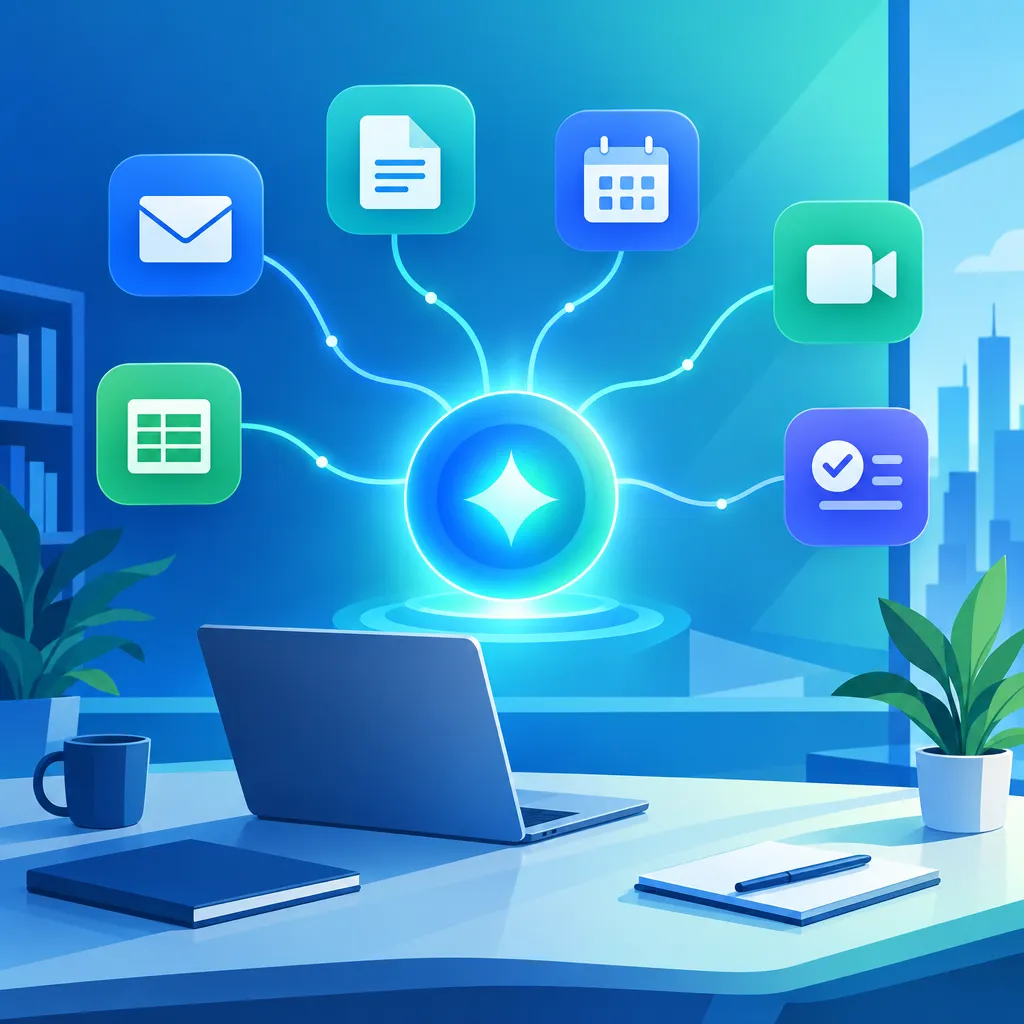
The short version: Gemini is no longer just an assistant you ask questions. It's becoming an agent that takes action, anticipates what you need, and integrates directly into the tools your team already uses every day.
Here's a plain-language breakdown of what changed, what it means, and what your business can actually do with it.
The Gemini Agent: From Answering Questions to Getting Things Done
On October 8, 2026, Google introduced what it calls the Gemini agent — announced as part of a broader initiative called Gemini at Work 2026. This is a meaningful departure from how AI assistants have traditionally worked.
Traditional AI assistants, including earlier versions of Gemini, operated in a reactive mode. You typed a question or a command, and the AI responded. The interaction ended there. The Gemini agent is designed to work proactively — monitoring your connected apps, identifying tasks you haven't explicitly asked it to handle, and taking initiative.
Practically speaking, this means Gemini can:
- Draft a follow-up email after reviewing your calendar and the email thread that preceded a meeting
- Prepare a project status summary and surface it before you start your workday
- Pull relevant documents from Google Drive when you open a related email, without you asking
- Flag action items from a conversation thread and suggest next steps
The agent works across Google's suite — Gmail, Docs, Drive, Calendar, Meet, Sheets, and Chat. It doesn't just answer questions inside one app. It connects context across apps to give you more complete assistance.
For a business owner or a busy manager, this kind of proactive support means fewer dropped balls, less time spent on low-value administrative work, and more mental space for the decisions that actually require you.
Gemini 4 Argon: The Model Behind the Upgrade
On October 13, 2026, Google made Gemini 4 Argon generally available. Argon is the model powering many of Gemini's latest capabilities, and it represents a meaningful step forward in reasoning, multimodal understanding, and speed.
Without getting too deep into model architecture, here's what Gemini 4 Argon means in practical terms:
- Stronger reasoning: Argon handles more complex, multi-step tasks more reliably than earlier Gemini models. If you ask it to analyze a set of sales data, identify trends, and then draft a report explaining those trends, it follows through more consistently.
- Better multimodal handling: Argon can understand documents, spreadsheets, images, and text in the same context window. You can share a PDF, a screenshot, and a text question all at once, and it processes them together.
- Faster responses: Argon is more efficient under load, which matters for business users running Gemini across a team simultaneously.
Gemini 4 Argon is now the engine behind Gemini Advanced, Google's premium AI tier available to Workspace Business and Enterprise subscribers, as well as Google One AI Premium members.
Skills Replace Gems — and That's Actually Good News
If you've been using Gemini Gems — Google's version of custom AI personas you could build and save for specific tasks — you'll notice they're being retired and replaced with something called Skills.
This isn't a downgrade. Skills are a more structured and more capable version of the same concept.
Where Gems were essentially saved prompt configurations with a name and a persona, Skills go further. They can be connected to live data sources, Google services, and external APIs. A Skill isn't just a saved instruction — it can actually do things, not just say things.
Some examples of what a Skill can do:
- A Customer FAQ Skill that pulls live answers from your company's actual knowledge base, not just from instructions you typed during setup
- A Proposal Skill that reads from your Drive templates and your CRM notes to build customized proposals faster
- A Social Content Skill that accesses your brand guidelines and recent posts to generate on-brand copy without needing re-briefing every time
- A Meeting Prep Skill that surfaces the calendar event, the last email thread with those attendees, and any relevant Docs automatically before you join
Workspace admins can build and deploy Skills across their organization, and individual users can create their own. The transition from Gems to Skills is rolling out to Google Workspace accounts throughout October 2026.
Meet Next Steps: The End of Action Items Falling Through the Cracks
One of the most practical updates in this October wave is a feature called Meet Next Steps, delivered through Google Workspace's AI meeting enhancements.
The problem it solves is one every team recognizes: you finish a meeting, everyone nods, someone types quick notes, and three days later half the action items have vanished into the ether because nobody followed up.
Meet Next Steps changes this by doing the follow-up work automatically. After a meeting ends, Gemini:
- Generates a structured summary of what was discussed
- Extracts action items and assigns them to the appropriate attendees based on context from the conversation
- Creates calendar reminders or Google Tasks for each action item
- Drafts a follow-up email to meeting participants summarizing what was decided and who is responsible for what
This is AI doing the administrative work that currently falls to whoever takes notes — or gets forgotten entirely when nobody does. For service businesses, sales teams, and project-driven organizations, this is a meaningful productivity gain.
Meet Next Steps works with recorded meetings and, in supported configurations, with live transcription. It's available to Workspace Business Standard, Business Plus, and Enterprise subscribers.
Gemini Comes to Slack — Enterprise Integration Gets Serious
Google Cloud's October enterprise release notes confirmed that Gemini is now available inside Slack through an official integration for Workspace Enterprise customers. This matters because Slack is where many enterprise and hybrid teams actually spend their day — not inside Google's own apps.
With Gemini in Slack, teams can:
- Ask Gemini questions about their Google Drive files directly from a Slack conversation
- Generate content and paste it into channels without switching apps
- Run Gemini Skills from within Slack threads
- Use Gemini to summarize long Slack threads and extract key decisions
This is part of a broader pattern in enterprise AI: the best AI tools are increasingly meeting users where they already work, rather than requiring them to open a new interface. Google's willingness to integrate Gemini into a competitor's messaging platform signals that the priority is adoption and usefulness over platform control.
For business owners and IT admins, this also means managing Gemini access and data permissions across more surfaces — something to review with your Workspace admin before rolling out broadly.
A Few Other Updates Worth Noting
Beyond the headline features, a handful of other October 2026 Gemini updates are worth knowing about:
Voice Dictation on Mac
Gemini now supports native voice dictation on macOS for Workspace users. You can dictate into Docs, Gmail, or Chat with Gemini transcribing and, optionally, cleaning up your dictated text in real time. Useful for anyone who finds typing slower than speaking — or for capturing notes while multitasking.
Gemini in Chrome
Google is expanding Gemini's presence inside the Chrome browser, allowing users to interact with Gemini about the current webpage — asking for summaries, extracting key information, or generating content based on what they're reading — without opening a separate Gemini window.
Federated Data Store Support for Enterprise
Enterprise Gemini users can now connect Gemini to external data sources beyond Google Drive — including internal databases, SharePoint, and other storage systems — through federated data store support. This means Gemini can answer questions grounded in your company's actual data, not just general knowledge, even when that data lives outside of Google's ecosystem.
What This Means for Your Business Right Now
Taken individually, each of these updates is useful. Taken together, they represent something more significant: Google is turning Gemini into a platform, not just a feature.
The strategic direction is clear. Google wants Gemini to be the AI layer that sits across your entire workday — inside your email, your meetings, your documents, your communication tools, and your data. And it wants that layer to be active, not passive.
For businesses, this raises a few practical questions worth asking:
- Are you on a Workspace plan that unlocks these features? Many of the most valuable updates — Meet Next Steps, the Gemini agent, Gemini 4 Argon, Slack integration — require Business Standard, Business Plus, or Enterprise tiers. If you're on a legacy or basic plan, now is a good time to review whether an upgrade makes sense.
- Do you have someone managing your Workspace settings? Skills, data permissions, and Gemini access controls require an admin to configure. Without that setup, your team may not get access to the features that could actually help them.
- Are there repetitive meeting and follow-up workflows in your business? Meet Next Steps alone could save hours per week for teams that run frequent client calls, project meetings, or internal check-ins. If that's your team, this is worth enabling today.
- What would a useful Skill look like for your business? Think about the tasks your team does repeatedly: drafting proposals, answering common customer questions, preparing reports, creating social content. Any of these is a candidate for a Skill that saves time every time it's used.
The Bigger Picture: AI That Works Where You Work
One theme connects all of October's Gemini updates: the AI is coming to you, not the other way around.
Earlier generations of AI tools required users to adapt to the tool — to go to a new interface, learn a new workflow, and remember to use the thing. The most useful AI updates happening right now are the opposite. They embed in the tools you already use, work from the context you've already created, and reduce the distance between intention and action.
That's what the Gemini agent does by surfacing relevant information before you ask. That's what Meet Next Steps does by handling follow-up without being told to. That's what the Slack integration does by meeting enterprise users where they live. That's what Skills do by packaging workflows that work on live data, not just saved instructions.
If you're a business that runs on Google Workspace — and millions of businesses around the world do — October 2026 is a good month to spend a few hours reviewing what's now available to you. The return on that investment of time is likely to be significant.
Start Putting AI to Work Across Your Business
Google's Gemini updates are a reminder that AI is moving from novelty to infrastructure. The businesses that benefit most from these tools won't be the ones who simply have access — they'll be the ones who build systems around them.
At ResProAI, we help businesses do exactly that. From AI-powered follow-up and CRM automation to smart communication workflows and lead management systems, we build the connections between AI capabilities and real business results. If you're looking to get more out of the AI tools already available to you — or explore what automation could look like for your specific business — we'd love to show you what's possible.
Ready to put AI to work in your business? Explore what ResProAI can do for your team today.
